For tire shops and quick-service auto centers
Get more paid work from the bays you already run.
Tire replacement and repair. Rotation. Alignment. Inspections. Offer the services and hours you choose to fleet customers through XoomPark.
Fleets won’t set up a deal with every shop. XoomPark gives them one place to request yours.
Start with fleets that have drivers. Driverless vehicles come later.
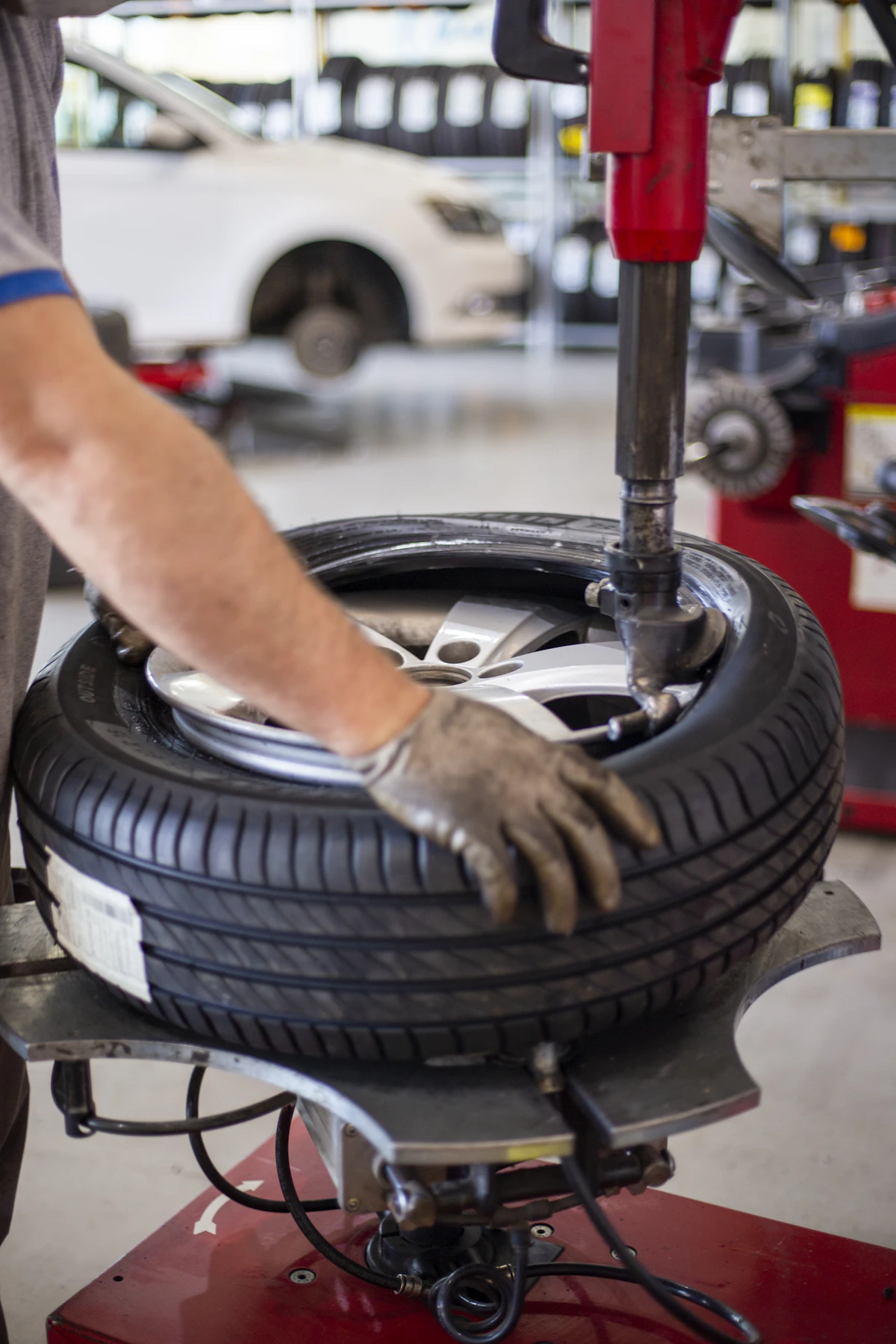
What could your shop get paid to do?
Start with work you already perform and hours your technicians can cover. You do not need to offer everything.
Tire replacement and repair
Offer tire work for suitable fleet vehicles. You confirm the vehicle, tire and parts before accepting the job.
Rotation
Offer routine rotations during windows your technicians can cover.
Wheel alignment
Offer alignment where you have the equipment and trained technicians to do it.
Inspections
Offer the inspections your shop is qualified and equipped to perform, with findings recorded in the job record.
Other services you are qualified for
Offer other work your shop is equipped and qualified to do. Only list what you can stand behind.
One service is enough to start. You decide what is worth offering.
XoomPark OS · Attendant view
See a real job, start to finish.
This is what your team sees when a fleet books your site. One phone, one checklist, no new hardware.
One request. Clear work. A record when it’s done.
Example workflow. Not an existing booking or live integration.
- Requested
- Tire service for a fleet vehicle
- Agreed
- The service, quote and available window
- Approval
- The customer approves the quote before work starts
- Arrival
- Your approved entrance and bay
- Completion
- Work done, with exceptions and photos recorded
- Billing
- A shared record of the completed work
Your technicians do the work. XoomPark keeps the job organized.
The XoomPark OS workflow connects what was agreed with the work behind the visit.
Illustrative workflow. Not a live booking or integration.
- Step 1
Set your offer
Choose services, prices, vehicle requirements and available windows.
- Step 2
Accept the request
Confirm the vehicle, parts, quote and time.
- Step 3
Assign the work
Give the job to a qualified technician and bay.
- Step 4
Record completion
Keep the completed work, photos and exceptions in one record for billing.
Your regular customers come first.
Offer the bays, hours and services that fit your shop. You keep control of what happens in your bays.
- Choose the bays and hours you make available.
- Set prices that reflect your technicians, parts and other costs.
- Accept the work that fits your shop and your technicians’ qualifications.
- Pause new availability when you need to.
Already accepted appointments follow the agreed cancellation terms.
The driver may disappear. The need for service doesn’t.
A driverless vehicle still wears tires and still needs inspections. Those are services a shop can offer without the owner waiting in the lobby.
Start with fleets that have drivers. Driverless vehicles come later, where the fleet, shop and service process are approved. You choose whether to take that work.
Registration alone does not approve your shop for driverless visits or create a fleet or carmaker integration.
Questions owners ask
Is registration free?
Yes. Adding your shop is free. Any later software fees or commercial terms are shown and agreed separately before you accept work.
Will XoomPark send me customers?
Our goal is to help your shop win suitable fleet work. We review your services, location, hours and pricing with you. We do not guarantee bookings, vehicle volumes or income.
Will this affect my regular customers?
You choose what to offer and when. Keep your bays, waiting area and appointment schedule clear for the customers you serve first. You can pause new availability; accepted appointments follow the agreed terms.
Who does the work?
Your existing technicians perform the jobs you accept. Only offer work your people, equipment and qualifications support. Registration does not commit you to extra staffing.
Who approves the quote and the spending?
The customer or fleet approves your quote before any work starts. XoomPark does not authorize spending on anyone’s behalf, and does not certify your technicians or your work.
How do payment and fees work?
You set the price for the work you accept. Payment and fee terms are confirmed with you before you accept any work.
Do I need new equipment?
Not to register. Start with the services you already provide. Any new equipment or additional services would be evaluated and agreed separately.
When could driverless vehicles visit?
Only after the relevant fleet approves the location, vehicle access and service process, and you accept the work. Registration is not an approval or a promise of a visit date.
Offer your bays to fleets.
Tell us the services you can perform and when your bays are available.
Add My ShopFree to register. No bay or staff commitment at signup.